The end of the practice argument.
Melodash is a game your child plays on their real instrument. Every honest note earns progress, so practice stops being a chore you nag about and becomes something they ask to do. You get to watch it happen.
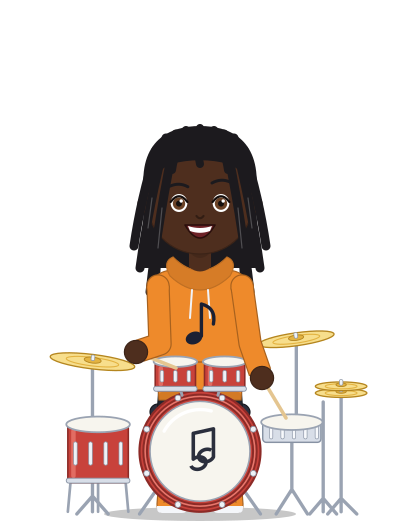
A sample. You choose the name you see for your child.
What changes at home.
The instrument comes out of the case because there is something to play for, and you can see the effort, not just hear it through the door.
Progress they can see
In-tune notes glow green. Steady rhythm lights the beat. Whole realms of Cantara come back to color. The payoff they usually wait months for shows up today.
A practice week you can see
Link with your child’s family code to see each session: the day, the minutes, the instrument, what they worked on and how the time was counted. Their private written notes stay theirs.
Streaks that never punish
Practice days build streaks and earn new outfits for their musician. Missing a day never takes anything away, and nothing is for sale. Every reward is earned by playing.
Encouragement from you
Send a cheer once a day. Your child sees it from “Your family.” Weekly recap and reminder emails can come to you, too.
Safe enough for a seven-year-old. Fun enough for a seventeen-year-old.
Melodash was built for children first, with the rules that matter decided before anything else.
- Nimble Trill 35
- Jazzy Riff 64
- Majestic Coda 210
- Sound stays on the deviceThe microphone hears playing to count practice. Melodash never records anyone: no audio is ever saved or uploaded.
- A Stage Name, never a real nameOther players see a name built from music words and a number. Nothing is typed, so nothing personal can slip out.
- No chat between playersPlayers can only send preset, positive cheers like “Bravo!” Your child’s teacher can leave notes about practice, and you can read every one.
- You decide who sees whatWithout a school agreement, your child joins a teacher’s class only when you say yes, and you can take it back any time. If your child is in a class, their teacher confirms you’re the parent before you see anything.
- Children and adults never mixEvery board and league is split into Junior, Teen and Adult divisions.
- You decide how they play with othersFor a child under 13, you choose whether they compete, appear on community boards or receive cheers.
- No email needed for young childrenYou can make a child profile with a picture password. Only an age group is kept, not a birthday.
Two ways to get started.
Your child already plays
Sign in to Melodash as a parent and enter the family code from your child’s Connect page. You’ll see their practice week from then on.
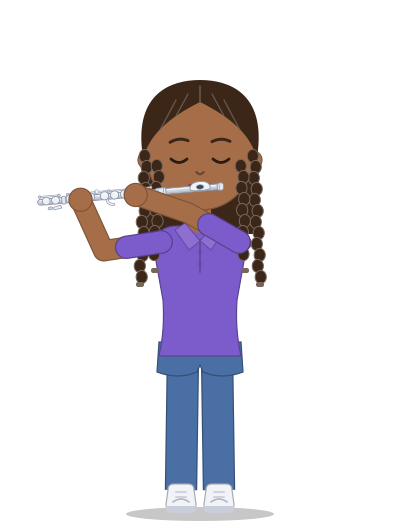
Your child is new
Sign in as a parent and create a child profile. Your child gets a login code and a three-picture password, no email address needed. Hand them the device and they’re playing.
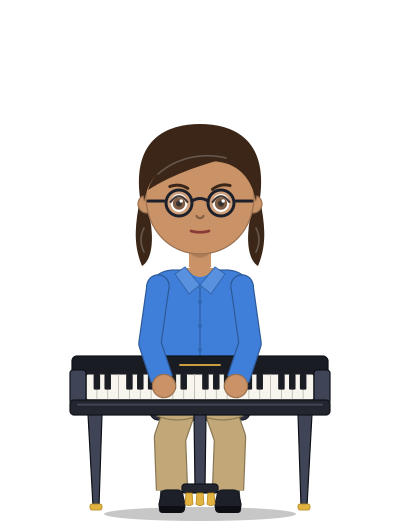
Is your child’s teacher using Melodash? They may hand out a class login card. Scan the QR code on it and your child is in.
Questions parents ask
What does it cost?
Melodash is free to play. Nothing in the game can be bought: every reward is earned by practicing.
What does my child need?
Their instrument, and a phone, tablet or computer with a modern browser and a microphone. Nothing to install.
Will it replace their lessons or their teacher?
No. Melodash is for the time between lessons and rehearsals, when no one is there to listen. It works best alongside a teacher, and teachers can follow along too.
How much screen time is it?
The screen is the music stand. Practice is counted while the instrument is being played, and the session pauses on its own when the playing stops.
Which instruments work?
Every band, orchestra and choir instrument, plus guitar and piano. All of them play Scales, Rhythm and Ear Training, and many have a full challenge of their own: trumpet, trombone, French horn, flute, the saxophones, guitar, percussion and voice.
Can I see what my child says to other players?
There is nothing to see. Players can’t write to each other at all. The only things they can send are preset cheers.
Tonight, let the game ask them to practice.
It takes a minute to set up, and it’s free.